
Let Aventail™ manage it
We check the agreed AI setup, investigate issues and apply agreed updates. Your team has a clear support route, with responsibilities and availability set out in your agreement.
Get AI working on a job your team does every week. We help you choose where to start, build the workflow on Aventail™ and get your team using it. After launch, we can manage the setup or hand it over to your team.







Start with a recurring job whose results your team can check: preparing reports from notes, finding requirements in a client brief or answering questions from internal documents.
We’ll look at how the job works today and agree how to measure whether AI improves it.
Read the guide to starting AI in a small businessWe build the first project around one job and one team, with training and a review after launch.
With the people who do the work, we review sample inputs and agree what a good result looks like. You get a clear scope, the inputs we need and a quote before work starts.
We set it up on Aventail™ and test examples you approve. With your IT team or provider, we agree where it runs, who can use it and how it fits your process.
We train your team, guide their first runs and show them what to check. After launch, we compare the time to complete and review the work with your previous process.
An inspector uses approved site notes and client documents to draft a report in Aventail™, then checks the sources, adds missing details and signs it off. We measure the time spent preparing and reviewing it.
Start with approved site notes and client documents.
Fictional site note: “Surface crack near the east entrance; photograph attached.”
Prepare a draft report with references back to the source material.
Illustrative draft: “A surface crack was noted near the east entrance (site note, east entrance).”
Check the sources, fill any gaps and sign off the finished report.
Illustrative check: confirm the location against the photograph and add any missing measurements before sign-off.
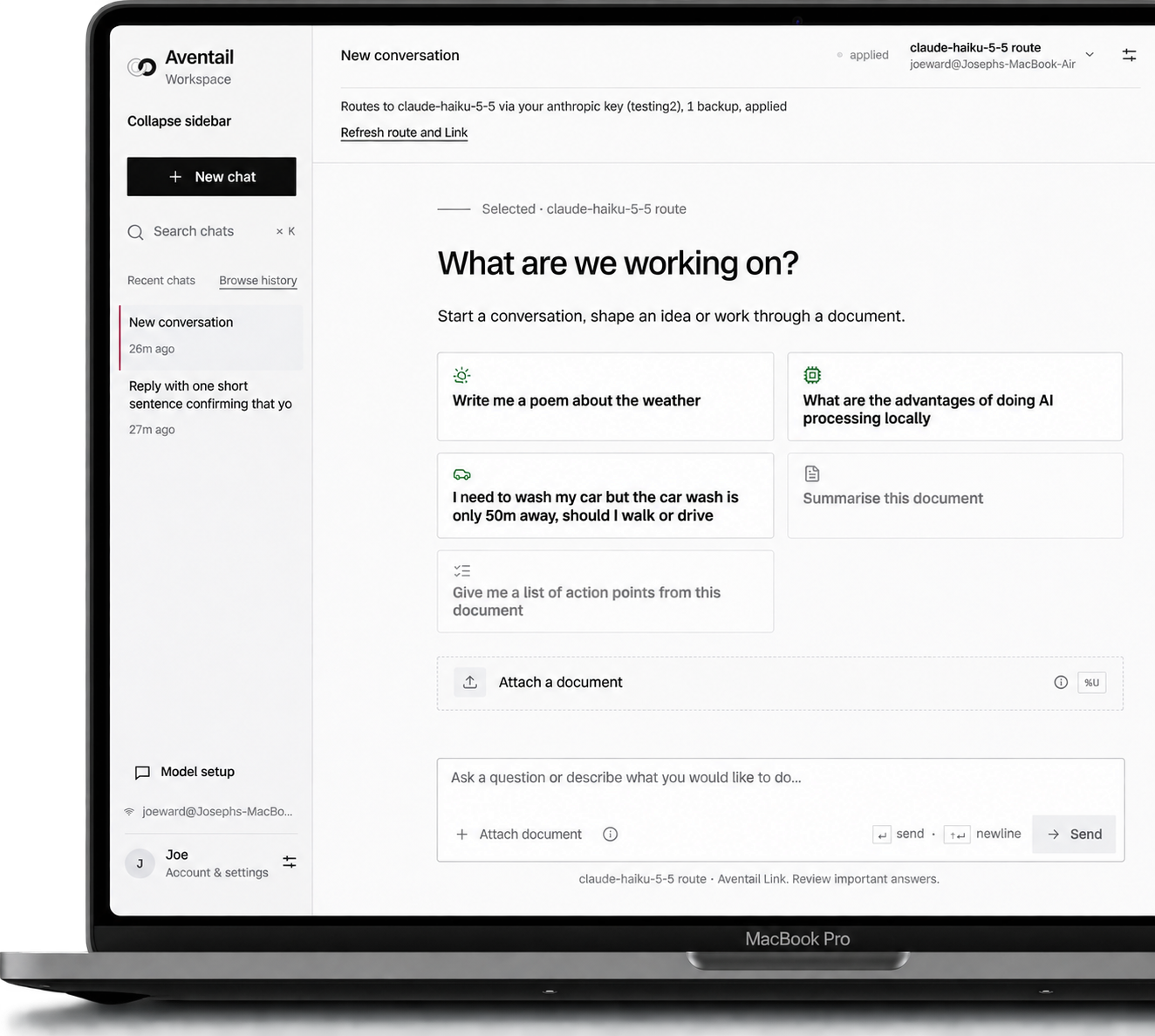
Your team can work with documents, search and source references in Aventail™ Workspace. We agree supported models, hardware and integrations for your project.
We check the agreed AI setup, investigate issues and apply agreed updates. Your team has a clear support route, with responsibilities and availability set out in your agreement.
We give your nominated team the admin access and operating guide they need. This covers settings, permissions, where it runs, routine checks and common issues. We walk them through it so they can take over day to day. The workflow stays on Aventail.
Start with managed support and plan a handover later if your needs change.
We quote the first workflow as a one-off implementation project. Your Aventail™ subscription continues after launch. If you choose managed support, the quote sets out the monthly fee and what it covers.
Bring a job you’d like to improve, or tell us where work gets held up. We’ll discuss a useful first project and what it takes to launch.
We use optional cookies and tracking to identify visiting companies, load our contact form, measure Google Ads download clicks and confirmed project-brief receipts and understand page use with PostHog on our homepage, Connect and How it works pages, Ollama and LM Studio comparison guides, AI for small business page and campaign pages. Cookie policy