
Claude DesktopChat and Cowork
Connect model requests from Chat and Cowork under your routing rules.
Aventail™ Connect brings supported AI apps into Aventail™ Link, so their model requests follow your routing rules.
Leave your email and we’ll send your access details as soon as possible.
The email form is provided by HubSpot, which may set cookies. Load it only if you consent.
Keep working in a supported app. Aventail™ Connect connects its model requests to Aventail™ Link, where your rules determine which supported destination may run them.
Connect model requests from Chat and Cowork under your routing rules.
Bring supported model requests from your coding workflow under the same routing rules.
Connect your OpenCode workflow to the models and destinations your policy allows.
Considering Ollama? Compare Aventail™ with Ollama
Install your tools, serve a supported language model, then enable the app you want to connect.
Use the runtime alongside one of the supported apps listed above.
Choose a model that supports the capabilities your app needs.
Open Connected Apps and enable the installed app.
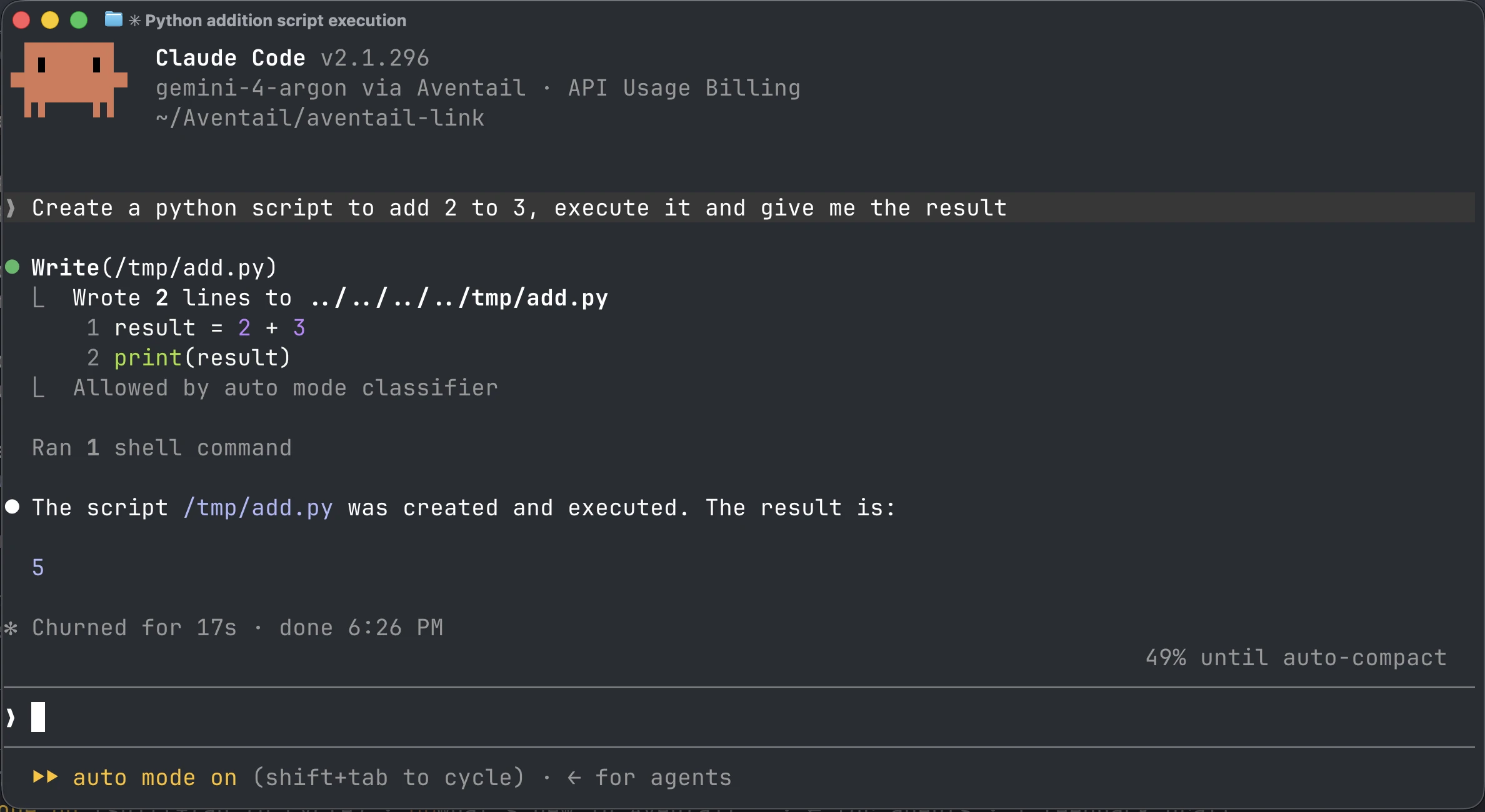
gemini-4-argon via Aventail, creating and executing a Python script.Aventail™ Connect is inside Aventail™ Link. The runtime applies routing rules locally and selects a supported, allowed execution destination.
Aventail™ Connect is a feature inside the Aventail™ Link runtime. It connects supported apps to the runtime, which runs supported models and applies your routing rules.
Ollama helps you run models and connect supported apps. Aventail™ adds central management across multiple devices, with routing to peer devices and hosted destinations available in beta. Read our full comparison.
No. Support depends on the app and the model capabilities it needs. The integrations listed here are supported, but that does not mean every model supports every app feature.
Send an integration request below. We review requests to understand what people need; a request is not a promise of delivery.
It governs model requests routed through the runtime. An app’s other network activity is controlled by its own settings.
Tell us which app you use and the model workflow you’d like to connect.
This form is provided by HubSpot. Loading it connects your browser to HubSpot, which may set its own cookies. Nothing loads until you choose.
Prefer not to? Email hello@aventail.co.uk.
We use optional cookies and tracking to identify visiting companies and load our contact form. Cookie policy